Introduction
peek is a modern terminal file viewer — preview any file, any format.
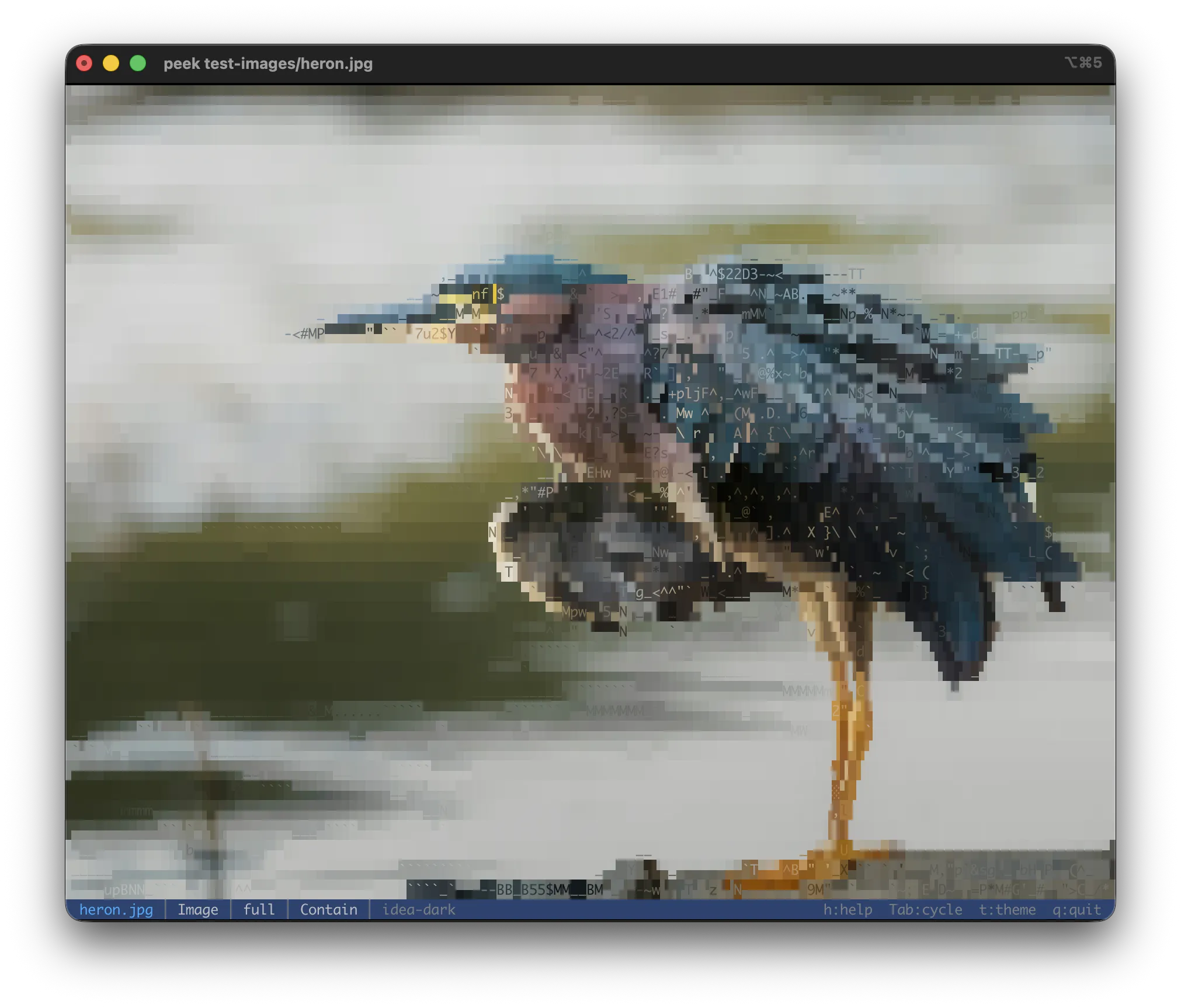
peek rendering a JPEG directly in the terminal — each cell is a character whose shape and 24-bit color approximate the underlying pixels. Open any image file to get this view.
Features at a glance:
- Syntax-highlighted source code (100+ languages)
- Markdown rendered with CommonMark + GFM (tables, task lists, footnotes, frontmatter)
- Pretty-printed structured data (JSON, YAML, TOML, XML)
- ASCII-art image rendering with 24-bit color
- Animated GIF / WebP / animated SVG playback
- Office documents (DOCX, ODT, RTF), PDF, Adobe Illustrator (
.ai), EPUB - Spreadsheets (
.xlsx,.xlsm,.ods) — sheet listing, aligned table per sheet - EPS / PostScript (
.eps,.ps) — embedded preview, optional Ghostscript render - Audio metadata + embedded cover art
- Archive browsing (ZIP, tar, 7-Zip, cpio) and disk images (ISO, DMG)
- PEM certificates and keys — subject, validity, SANs, fingerprints
- Hex dump for unknown binary
- Interactive viewer with live theme cycling, file info, extraction
Design principles
Single-file viewer. One path (or stdin) at a time. No batch mode, no file list, no cat-style
concatenation — those use cases belong to other tools. Run peek once per file.
Stream, don't load. Multi-GB files are first-class. Archives open instantly via header walks; hex dump reads from disk on demand. Whole-file reads only when the format truly needs it.
Auto-detect. Magic bytes for binary content, sniffing for structured text on stdin. The filename is a hint, not the source of truth.